Leading Menu Options and Keyboard Shortcuts
|
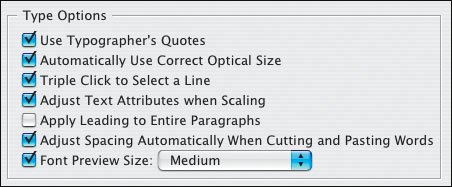
There's an interesting and often overlooked text preference that determines how your leading will behave. When you choose Apply Leading to Entire Paragraphs, InDesign makes the leading of the whole paragraph the same, which is almost always a good idea, although it does not apply to paragraphs set to use Auto Leading. Note that when your text is set to Align to Baseline Grid, changing the leading may result in unpredictable behavior, causing the lines of type to jump to the next baseline grid increment. Figure 4.14. Apply Leading to Entire Paragraphs preference.
Figure 4.15. Align to Baseline Grid.
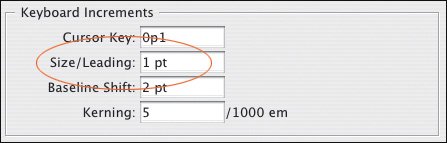
Figure 4.16. Leading Increment Preference.
|