8.9 Using Rendezvous with iTunes to Share Music
Besides iChat, another Mac OS X application that incorporates Rendezvous technology is iTunes. Using Rendezvous, iTunes allows you to share your music collection with other Macs that are on the network. Here's how:
Launch iTunes, then choose iTunes
 Preferences.
Click the Sharing icon in the Preferences window and check the "Share my music" checkbox (see Figure 8-20). You can either share the entire library or selectively choose the playlists to share.
Figure 8-20. Sharing music collections in iTunes
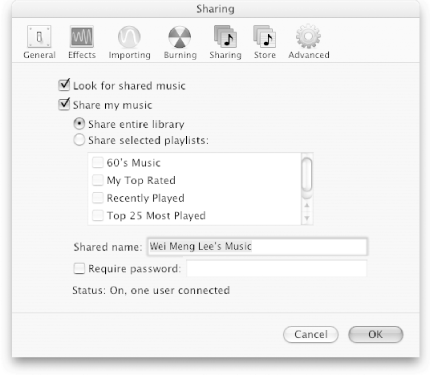
You can optionally specify a password so that users who want to view your music collections must enter a password. Click OK.
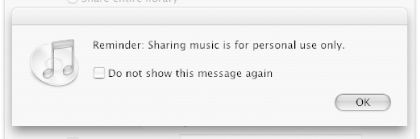
iTunes will display a message, reminding you that sharing is for personal use only (see Figure 8-21).
Figure 8-21. Apple's reminder that sharing is for personal use
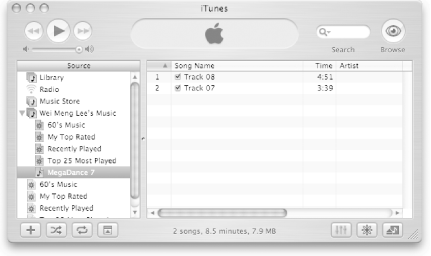
Other Macs on the network will now be able to see the music collection that you've shared (see Figure 8-22).
Figure 8-22. Viewing the shared music collection