Lesson 2. Using Event Handlers
We push buttons, we push people, we even push people's buttons, all with a single purpose: to elicit a response. The Macromedia Flash way of saying this is that for every event there is an action.
In a Flash environment, the responses that come from pushing, holding, moving, entering, and leaving are triggered by event handlers. Event handlers represent the first step in getting your movie to do anything interactivewhich is why a thorough understanding of them is vital.
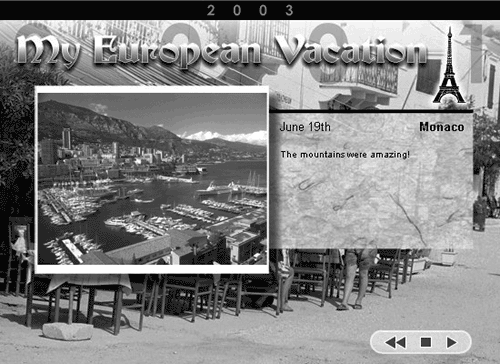
We'll create several projects in this lesson, including this self-running presentation that uses frame events to provide the user with a hands-free experience.
WHAT YOU WILL LEARN
In this lesson, you will:
Learn how event handlers are used in scripts
Determine the best event handler for the job
Use mouse/button/keyboard events to control interactivity
Create a self-running presentation using frame events
Use clip events to create an interactive project
Orchestrate multiple events to accomplish a task
Define and use event handler methods
Learn about Listeners and how to use them
APPROXIMATE TIME
This lesson takes approximately two hours to complete.
LESSON FILES
Starting Files:
Lesson02/Assets/MouseEvents1.fla
Lesson02/Assets/FrameEvents1.fla
Lesson02/Assets/ClipEvents1.fla
Lesson02/Assets/OrchestratingEvents1.fla
Lesson02/Assets/CarParts1.fla
Lesson02/Assets/Listeners1.fla
Completed Projects:
MouseEvents2.fla
FrameEvents2.fla
ClipEvents2.fla
OrchestratingEvents2.fla
CarParts2.fla
Listeners2.fla


